Message Types
This message type is used to send the following types of messages:
- Text
- Sticker
- Image
- File
- Link
- Audio
- Video
- Location
- Button template
- List template
- Carousel
- Image carousel
- Flexible template
Caution
- Make sure to use the parameters defined in the API reference. Otherwise, an error or an unintentional operation may occur.
Text {#text}
This message type is used to send a text message.
The messages to be sent can be written in multiple languages, and they will be displayed in the language that matches the client device's language settings.
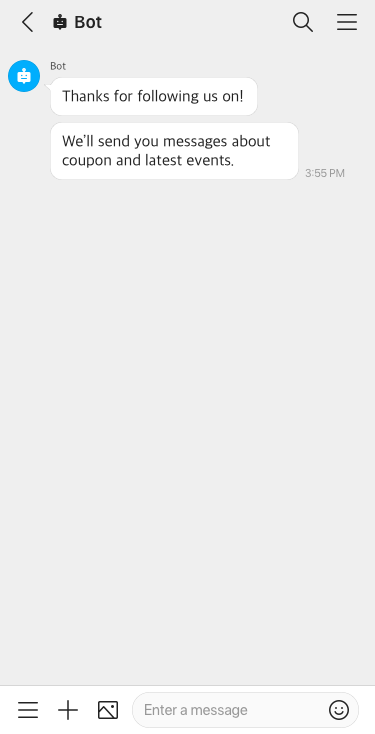
For more information, see Text.
Sticker {#sticker}
This message type is used to send a sticker message.
The package ID and sticker ID of a sticker to send need to be specified. For more information, see Sticker List.
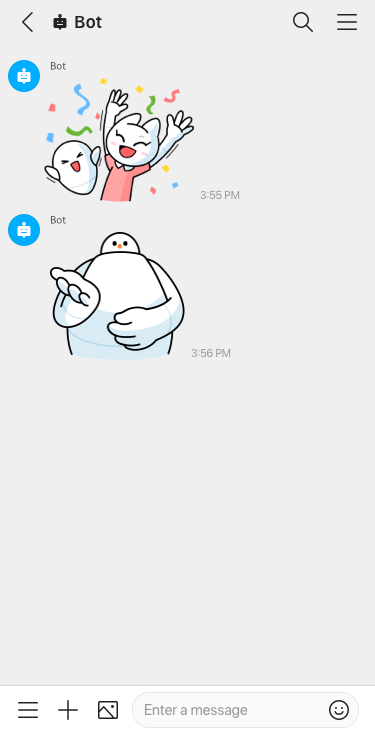
For more information, see Sticker.
Image {#image}
This message type is used to send an image message.
An image can be sent by using a URL or a file ID.
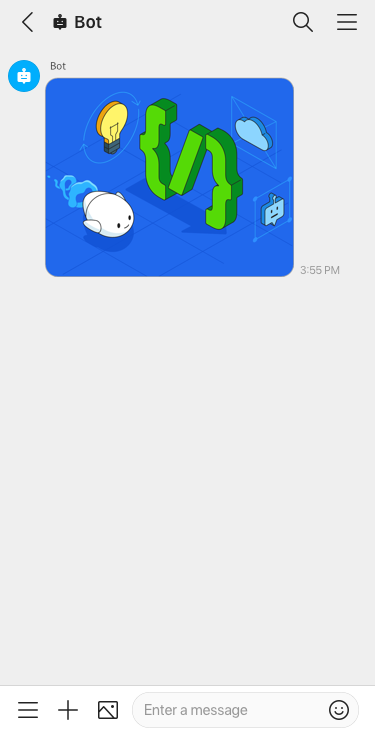
For more information, see Image.
File {#file}
This message type is used to send a file message.
A file can be sent by using a URL or a file ID.
For more information, see File.
Link {#link}
This message type is used to send a link message.
The messages to be sent can be written in multiple languages, and they will be displayed in the language that matches the client device's language settings.
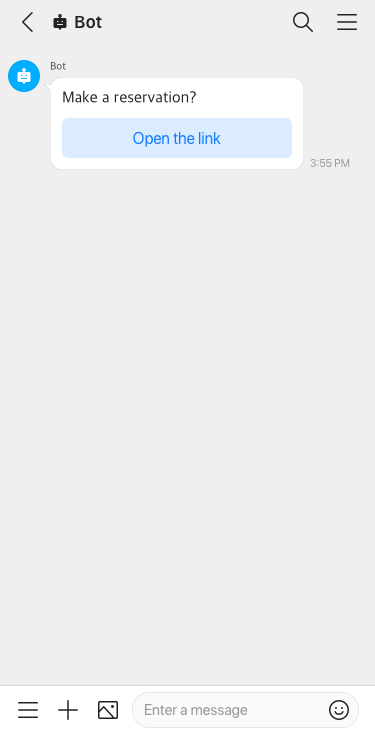
For more information, see Link.
Button template {#button}
This message type is used to send a message containing multiple action buttons.
The messages to be sent can be written in multiple languages, and they will be displayed in the language that matches the client device's language settings.
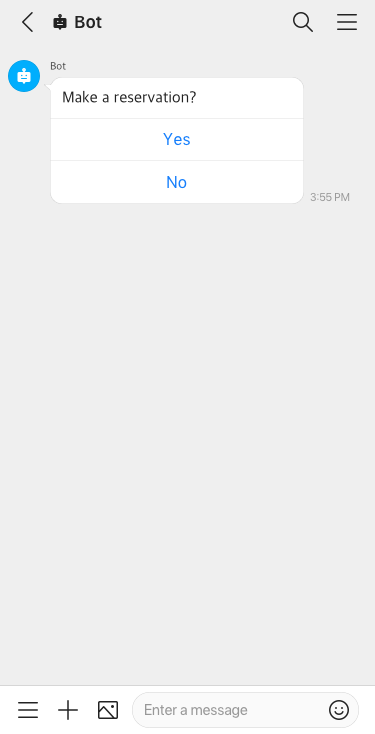
For more information, see Button Template.
List template {#list}
This message type is used to send a message that displays a list of objects consisting of images, titles, and action buttons.
The messages to be sent can be written in multiple languages, and they will be displayed in the language that matches the client device's language settings.
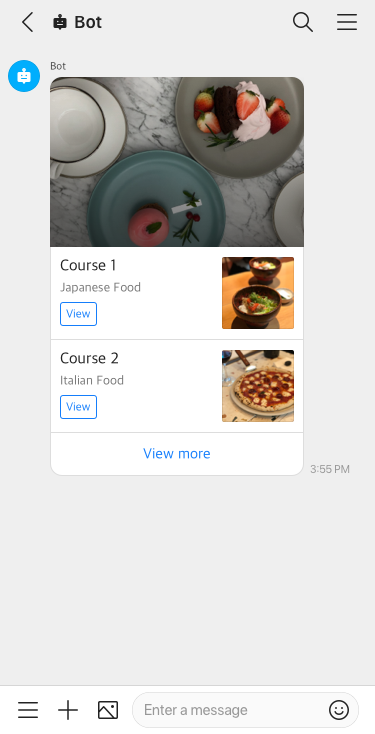
For more information, see List Template.
Carousel {#carousel}
This message type is used to send a message that displays multiple elements that can be scrolled horizontally.
The messages to be sent can be written in multiple languages, and they will be displayed in the language that matches the client device's language settings.
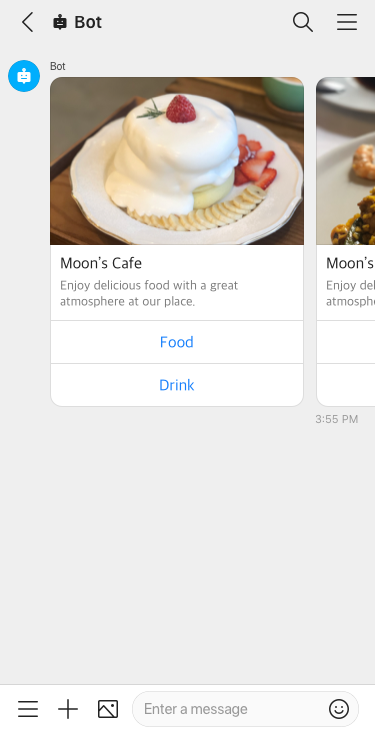
For more information see Carousel.
Image carousel {#imagecarousel}
This message type is used to send a message that displays multiple images that can be scrolled horizontally.
The messages to be sent can be written in multiple languages, and they will be displayed in the language that matches the client device's language settings.
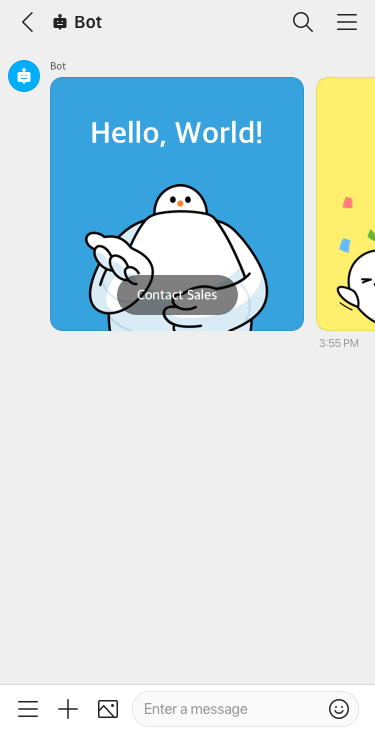
For more information, see Image Carousel.
Flexible template {#flex}
This message type enables you to customize your message layout
according to CSS Flexible Box (CSS Flexbox).
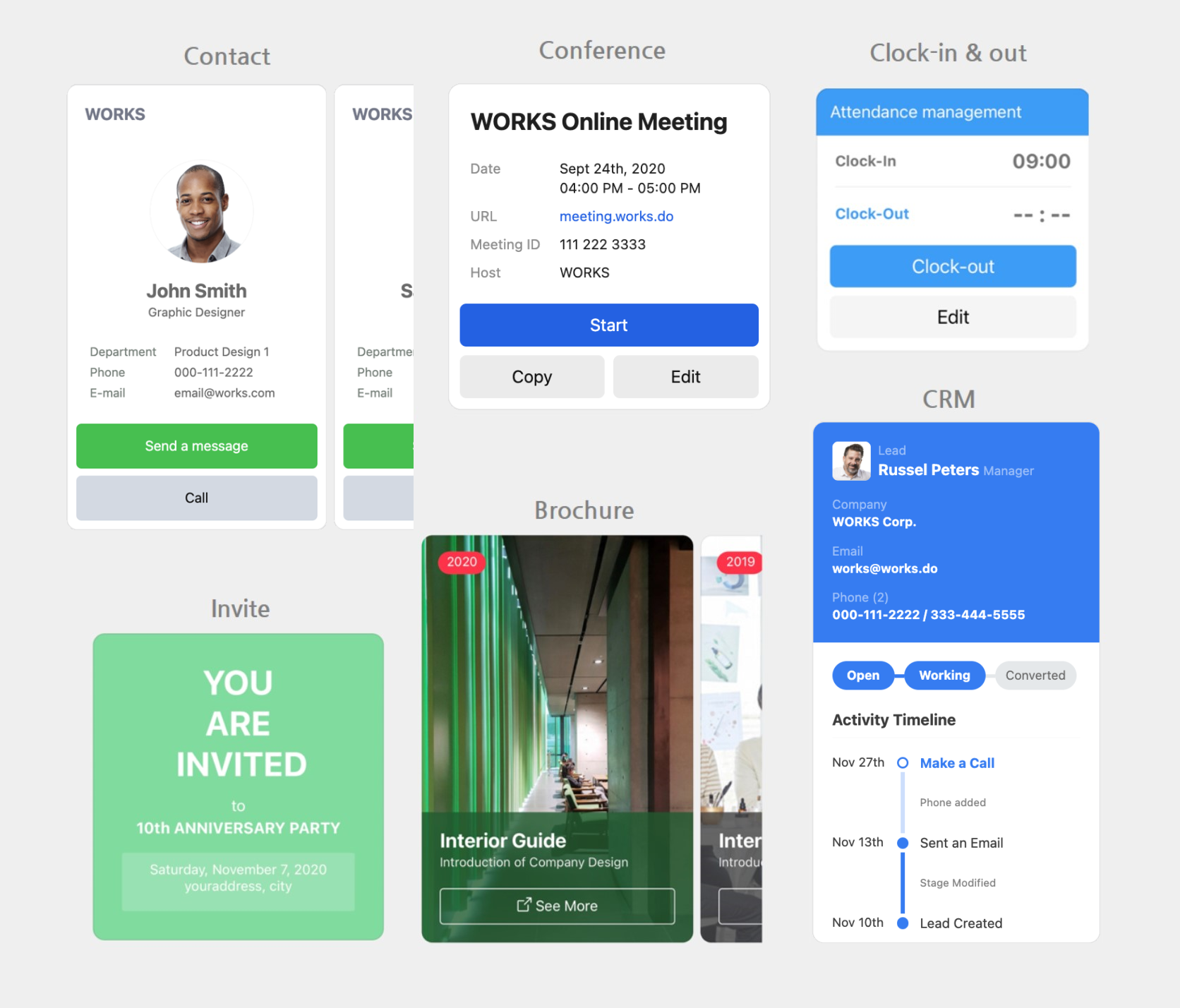
For more information, see Flexible Template.
Audio {#audio}
This message type is used to send an audio message.
An audio file can be sent by using a URL or a file ID.
For more information, see Audio.
Video {#video}
This message type is used to send a video message.
A video file can be sent by using a URL or a file ID.
For more information, see Video.
Location {#location}
This message type is used to send a location information message.
For more information, see Location.
Common features {#common-feature}
You can use the following common features to send a message, regardless of the message type.
Quick reply {#quick-reply}
This feature displays reply buttons along with a bot's messages at the bottom of a message room.
The user can reply by pressing one of the buttons.
The feature is available for all message types.
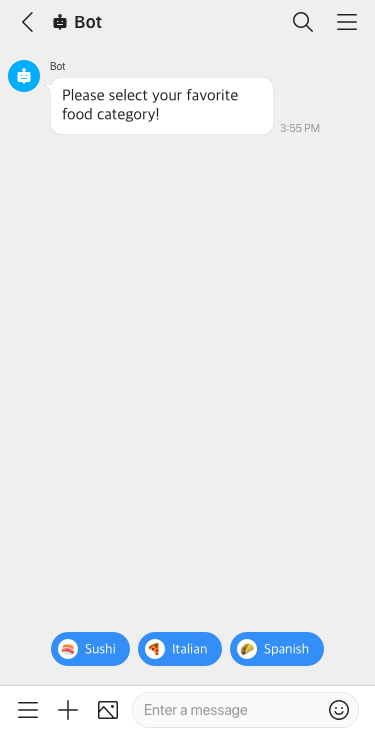
For more information, see Quick Reply.
Mention users {#mention}
In a message room with a bot, you can mention a specific user (@{user name}) or all users (@All) to send messages.
For more information, see Mention Users.