Image
Makes a bot send an image message.
An image can be sent by using a URL or a file ID.
Using a URL: Only HTTPS is allowed, and originalContentUrl and previewImageUrl are required. A bot can send image files in formats such as PNG.
Using a file ID: The file ID returned when the content is uploaded is used to send messages.
Note
- Whenever a file ID is used to send an image message, the recipient's shared storage will be reduced by the size of the image.
Request content {#image-request}
| Parameter | Type | Required | Description |
|---|---|---|---|
| type | string | Y | Set this parameter to "image". |
| previewImageUrl | string | N | URL of the preview image (PNG format, HTTPS only) Maximum length: 1,000 characters Either previewImageUrl/originalContentUrl or fileId, but not both, must be specified (required). |
| originalContentUrl | string | N | URL of the source file (HTTPS only). Maximum length: 1,000 characters Either previewImageUrl/originalContentUrl or fileId, but not both, must be specified (required). |
| fileId | string | N | File ID acquired when uploading content Either previewImageUrl/originalContentUrl or fileId, but not both, must be specified (required). |
Request example {#image-request-example}
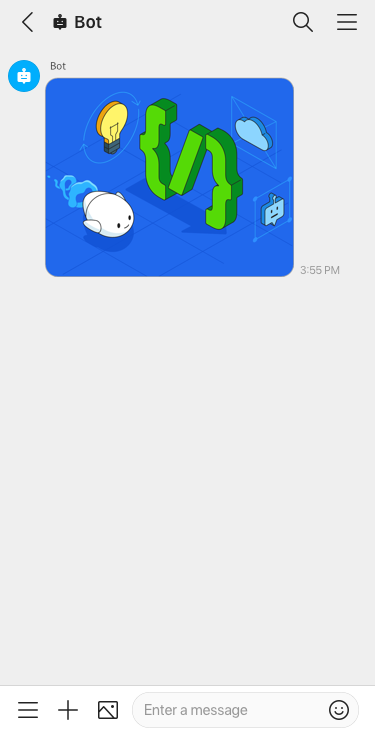
URL {#image-request-example-url}
{ "content": { "type": "image", "previewImageUrl": "https://www.worksmobile.com/preview.png", "originalContentUrl": "https://www.worksmobile.com/image.png" }}fileId {#image-request-example-fileid}
{ "content": { "type": "image", "fileId": "jp1.1628695315008671000.1628781715.0.1000001.0.0.0" }}