App Link (Universal Link)
You can use an App Link (Universal Link) to run the LINE WORKS app and to perform major service features.
Basic format {#about-applink}
The syntax of a custom App Link (Universal Link) is as follows:
https://line.worksmobile.com/{host}/{path..}?version={link_version}&{parameter1=values1}&{parameter2=values2}...Host, path, and parameter {#applink-parameter}
Pass the following items in your custom App Link (Universal Link).
| Item | Description |
|---|---|
| host | The service you want to run using the App Link (Universal Link) • default: LINE WORKS app • message: Message • calendar: Calendar • contact: Contacts • board: Board • home: Home • mail: Mail • more: More/Home |
| path | Defines a specific feature in the service. |
| version={link_version} | Defines the version of the App Link (Universal Link) • 18: Supports App Version 3.0. • 26: Supports App Version 3.5. • 28: Supports App Version 3.7. |
| {parametar1=values1} | Defines information to be passed when you perform features with the App Link (Universal Link). |
App Link (Universal Link) commands {#applink-operation}
Run the LINE WORKS app {#open-mobileapp}
Runs the LINE WORKS mobile app.
| App Link (Universal Link) | Description |
|---|---|
https://line.worksmobile.com/default?version={link_verion} | Runs the LINE WORKS app. |
Run the LINE WORKS app with a specific page open {#open-service}
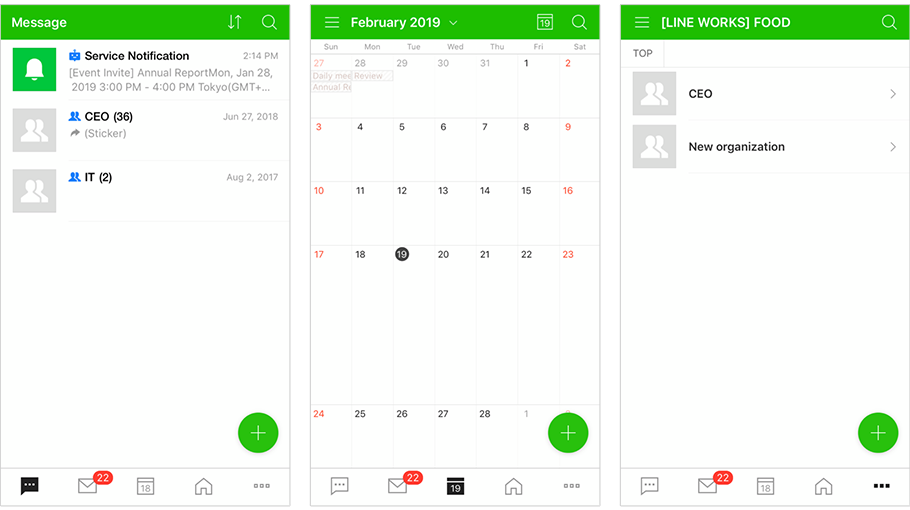
Runs the LINE WORKS mobile app to open a specific service tab.
| App Link (Universal Link) | Description |
|---|---|
https://line.worksmobile.com/calendar?version={link_version} | The LINE WORKS mobile app runs with the Calendar tab open. |
https://line.worksmobile.com/contact?version={link_version} | The LINE WORKS mobile app runs with the Contacts tab open. |
https://line.worksmobile.com/board?version={link_version} | The LINE WORKS mobile app runs with the Board tab open. |
https://line.worksmobile.com/home?version={link_version} | The LINE WORKS mobile app runs with the Home (link_version 28 or later) or Board (earlier than link_version 28) tab open. |
https://line.worksmobile.com/mail?version={link_version} | The LINE WORKS mobile app runs with the Mail tab open. |
https://line.worksmobile.com/message?version={link_version} | The LINE WORKS mobile app or desktop web runs with the Message tab open. |
https://line.worksmobile.com/more?version={link_version} | The LINE WORKS mobile app runs with the Home (app version v3.7 or later) or More (app version v3.6) tab open. |
Send messages {#send-message}
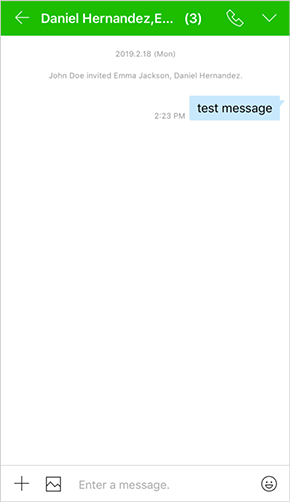
Runs the LINE WORKS mobile app or desktop web app based on the environment where the App Link is open, and sends messages to the message room with the specified recipients included.
If one recipient is specified, a 1:1 message room is created and if multiple recipients are specified, a 1:N message room is created. If a 1:1 message room with the specified recipient already exists, the message is sent to the message room, while a 1:N message room is created whenever an App Link is run.
| App Link (Universal Link) | Description |
|---|---|
https://line.worksmobile.com/message/send?version={link_version}&message={message}&emailList={email_Address_List}&callbackMainYn={Y/N} | Sends a message to the message room that includes the list of email addresses specified as parameters. |
Parameter {#send-message-parameter}
| Parameter | Required | Description | Note |
|---|---|---|---|
| version | Y | App Link (Universal Link) version | |
| message | N | The message to send | |
| emailList | N | List of user email addresses or group email addresses to receive the message (add ; to separate them).If this parameter is not specified, the app shows the menu to select recipients. | |
| worksAtResourceIdList | N | List of Resource IDs of external contacts to receive the message (add ; to separate them) | |
| channelId | N | ※ Available for version 26 or later The channel ID of the message room to receive the message. If this parameter is specified, the emailList or worksAtResourceIdList value is ignored. | |
| callbackMainYn | N | Indicates whether the LINE WORKS app's main screen is displayed when the message room is closed. • Y: The main screen is displayed (default). • N: The main screen is not displayed. | Android only |
Note
- Select Channel ID from the drawer menu in a message room to view the channelId.
Example {#send-message-example}
| App Link (Universal Link) | Description |
|---|---|
https://line.worksmobile.com/message/send?version={link_version}&message={message}&emailList={emailAddressList} | Sends {message} to the message room containing {emailAddressList}. |
Create an event {#create-event}
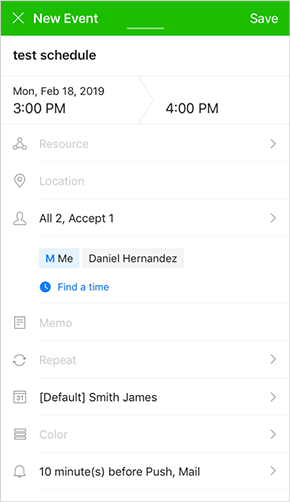
Creates an event on the LINE WORKS mobile app.
| App Link (Universal Link) | Description |
|---|---|
https://line.worksmobile.com/calendar/event/write?version={link_version}&content={contents}&scheduletype={schedule_type}&startdate={start_date}&invitees={invitees}&memo={memo} | Create a {schedule_type} event titled {contents} with {invitees} attending on {start_date}, including {memo}. |
Parameter {#create-event-parameter}
| Parameter | Required | Description | Note |
|---|---|---|---|
| version | Y | App Link (Universal Link) version | |
| content | N | Event title | |
| scheduletype | N | Event type • 2: All day • 3: Regular | |
| startdate | N | Event date and time • yyyy-MM-dd: Date type • yyyy-MM-ddTHH:mm:ss: Date and time type • yyyy-MM-ddTHH:mm:ssZ: Date and time type | For the date type, an event for an hour from the current time is created. For the date and time type without Z, the local timezone is used. |
| invitees | N | List of attendee's email addresses (add , to separate them)• mailto:attendeetype:name:{name_value}"{attendeetype_value}:{mailto_value} | "mailto" is required in invitees. attendeetype: Indicates whether the attendee is required for the event. (0: Required (default), 1: Optional) |
| memo | N | Memo |
Example {#create-event-example}
| App Link (Universal Link) | Description |
|---|---|
https://line.worksmobile.com/calendar/event/write?version={link_version}&scheduletype={schedule_type}&content={contents}&startdate={start_date}&invitees={invitees} | Create a {schedule_type} event titled {contents} with {invitees} attending on {start_date}. |
Write emails {#send-mail}
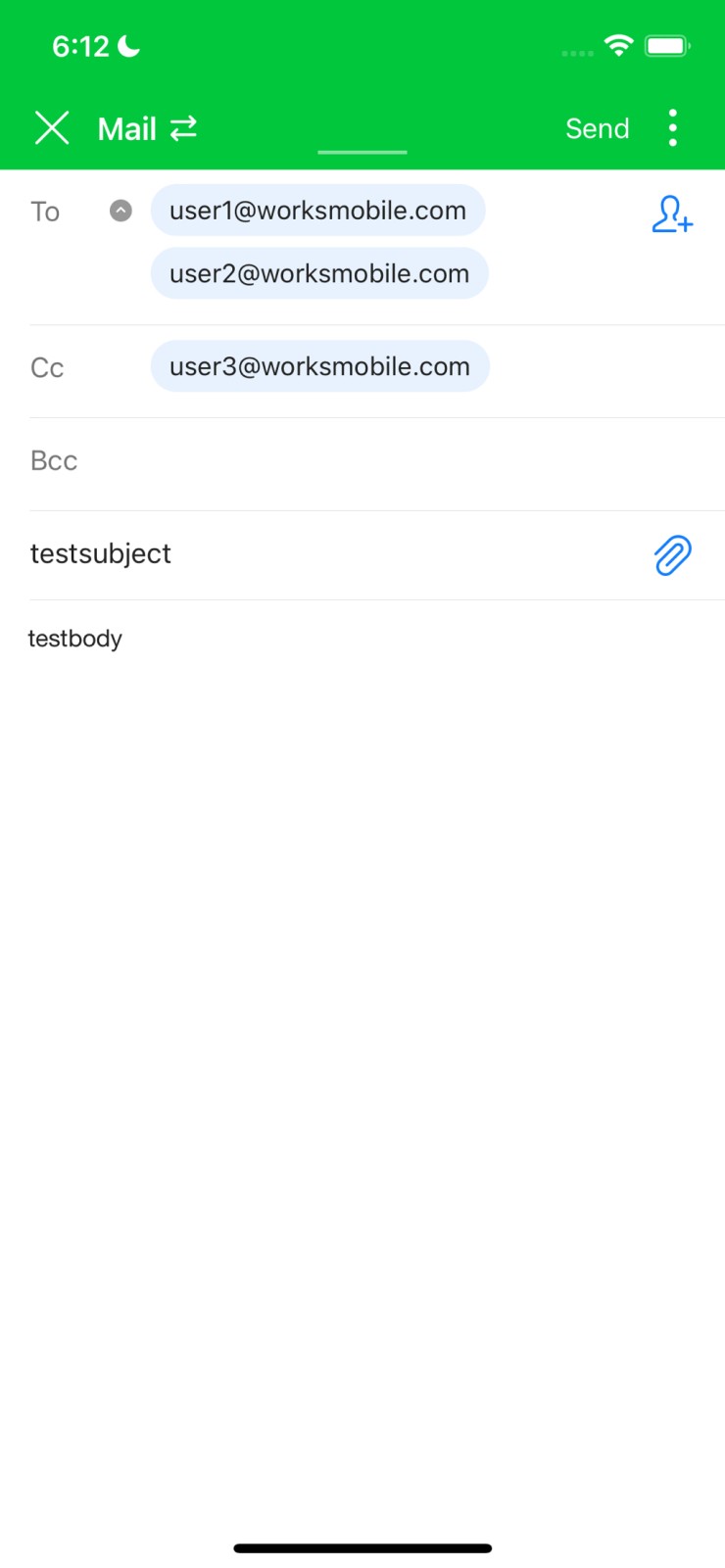
Shows the compose email screen, using the information added from the LINE WORKS mobile app.
| App Link (Universal Link) | Description |
|---|---|
https://line.worksmobile.com/mail/write?version={link_version}&to={to_mail_addresses}&cc={cc_mail_addresses}&subject={subject}&body={body} | Enters the compose email screen to send an email with the subject {subject} and body {body} to the recipients {to_mail_addresses} and CC recipients {cc_mail_addresses}. |
Parameter {#send-mail-parameter}
| Parameter | Required | Description | Note |
|---|---|---|---|
| version | Y | App Link (Universal Link) version | |
| to | N | Recipient's email address | Use ; to add multiple recipients. |
| cc | N | Cc recipient's email address | Use ; to add multiple recipients. |
| subject | N | Subject | Encoded string |
| body | N | Body | Encoded string |
Example {#send-mail-example}
| App Link (Universal Link) | Description |
|---|---|
https://line.worksmobile.com/mail/write?version=8&to=user1@worksmobile.com;user2@worksmobile.com&cc=user3@worksmobile.com&subject=testsubject&body=testbody | Enters the compose email screen where you can send an email with the subject of testsubject and the body of testbody to the recipients user1@worksmobile.com and user2@worksmobile.com and the cc recipient user3@worksmobile.com. |
Go to Step 2 login screen {#2step-login}
Skips the Step 1 login screen and proceeds to the Step 2 login screen using the specified ID.
| App Link (Universal Link) | Description |
|---|---|
https://naver.worksmobile.com/more/login/step2?version={link_version}&account={account}&service={service} | Use the account to move to the Step 2 login screen. |
Parameter {#2step-login-parameter}
| Parameter | Required | Description | Note |
|---|---|---|---|
| version | Y | App Link (Universal Link) version | Must be 28 or later |
| account | Y | Login account | Must be URL-encoded. |
| service | N | Service to move to after login | • home: Home (default) • message: Message • calendar: Calendar • contact: Contacts • task: Task • board: Board • mail: Mail |
Example {#2step-login-example}
| App Link (Universal Link) | Description |
|---|---|
https://naver.worksmobile.com/more/login/step2?version=28&account=test%40example.com&service=home | Use test@example.com to move to the Step 2 login screen. If login is successful, the Home screen is displayed. |